Check 1,700 Programmes: Use AskSmarty for Your UFS Application in SA
Step by step UFS application help for South African applicants. Use AskSmarty's APS calculator to confirm eligibility and check 1,700 programmes.

Yes, you can apply to the University of the Free State right now. Applications for the 2027 academic year opened on 1 April 2026, the process is completely free, and you may submit up to two study choices. The next step: open the UFS online application portal and start your form before your programme’s closing date passes.
TL;DR:
- Listing any selection programme as your first choice is mandatory for eligibility, or you risk disqualification from the process.
- Files larger than 5 MB, blurry scans, or incorrect subject codes frequently cause application delays or rejection.
- Deadlines vary by programme, with some undergraduate closing dates in the second half of the year and international students often facing earlier cutoffs.
- International applicants must secure a valid study visa before travel and submit SAQA or USAf exemption certificates if qualifying outside South Africa.
- Verifying your marks using an APS calculator before applying improves the chance of submitting an accurate, complete application and selecting realistic study options.
Table of Contents
- How to complete the UFS online application
- What documents do you need to upload?
- When does the UFS application close for 2027?
- What happens after you submit your application?
- How do selection programme rules affect your choices?
- What extra steps do international applicants need?
- What mistakes cause the most application delays?
- Where can you get help during the application process?
- What the process actually rewards
- Get your UFS application right before you submit it
- Sources
- FAQ
How to complete the UFS online application
Applying through the UFS portal follows a fixed sequence. Skip a step or rush the upload stage, and you risk a stalled or incomplete file. Here is the order that actually works:
- Start or resume your application. Register with a valid email address and phone number, then create login credentials. If you stop midway, you can log back in and pick up where you left off. There’s no need to restart from scratch.
- Enter your study choices. List your first and second preferences carefully. Selection programmes carry extra rules covered further down, so decide your order before you type anything in.
- Complete personal and academic information. This includes ID or passport details, school information, and subject marks. Double check spelling on your name and ID number here. A mismatch with your ID document is a common cause of processing delays.
- Upload your supporting documents. Each file needs to be a clear scan saved as a PDF. The system checks file size and format on upload, so a document that’s too large simply won’t go through.
- Confirm and submit. Review the declaration, agree to the terms, and hit submit. You’ll receive a confirmation email almost immediately, and a student number typically follows once your file passes initial checks.
Once submitted, Student Self-Service becomes your main tool for tracking progress and adding documents you couldn’t upload the first time. For a fuller walkthrough with screenshots, AskSmarty’s step by step UFS application guide mirrors the official process in more visual detail.
What documents do you need to upload?
Most rejected or delayed applications trace back to one thing: a document that’s either missing, unclear, or too large for the system to accept. UFS requires the following, depending on your situation:
- A certified or clear scan of your South African ID, or your passport if you’re a foreign national.
- Your latest available results: final Grade 12 certificate if you’ve matriculated, or Grade 11 or June Grade 12 results if you’re still at school.
- Full academic transcripts if you’re transferring from another institution or applying for postgraduate study.
- A USAf certificate of exemption or SAQA evaluation if your qualifying certificate was issued outside South Africa.
Pro Tip: Open every scanned document on your phone before uploading it. If you can’t read your own subject marks on a small screen, the admissions officer reviewing hundreds of files that day definitely can’t either.
Every uploaded file must be a PDF no larger than 5 MB, and it does not need to be certified for the online upload stage. Name files clearly, something like SURNAME_ID_RESULTS, so nothing gets misfiled on the admissions side.
When does the UFS application close for 2027?
Deadlines at UFS depend entirely on the programme, not a single blanket date. General undergraduate applications typically close in stages through the year, with multiple closing dates depending on the programme, and international applicants usually facing an earlier cutoff. Check each specific programme’s deadlines on the UFS prospectus. Postgraduate deadlines run on a completely separate schedule set by each faculty.
- Undergraduate programmes: check the UFS prospectus for the exact closing date tied to your specific qualification.
- Postgraduate programmes: consult the postgraduate prospectus directly, since dates vary by faculty and sometimes by intake.
- Selection programmes: these often close earlier than general undergraduate dates because of additional screening steps.
Don’t assume a date you saw for one programme applies to another. A closing date for a popular selection programme can fall months before the general undergraduate cutoff.
What happens after you submit your application?
Submitting your form triggers an automated confirmation email, usually within minutes, though full processing and status updates can take longer depending on volume and how complete your file is.
- Log in to KovsieLife or Student Self-Service using your student number and password to view your current status.
- Look out for status codes like “APPL,” which the UFS status guide explains in plain terms.
- Expect no phone disclosure of your status. UFS will not confirm application outcomes over the phone, so Self-Service is your only reliable source.
AskSmarty’s own guide to checking your UFS application status walks through the login steps if you get stuck.
How do selection programme rules affect your choices?
Selection programmes, think medicine, physiotherapy, or other capped-enrolment courses, come with one non-negotiable rule that trips up more applicants than almost anything else on the form.
- List the selection programme first. If you want a selection programme at all, it has to be your first choice. Put it second, and you risk being disqualified from that selection process entirely, according to UFS’s own application steps.
- Use your second choice as a safety net. Pair a competitive selection programme with a non-selection programme you’d genuinely accept, not one you’re just adding to fill the field.
- Contact the faculty directly if a programme requires extra material, such as a portfolio or psychometric test, since some selection programmes ask for this beyond the standard form.
Pro Tip: Never treat your second choice as an afterthought. If your first choice doesn’t come through, that second option is the only thing standing between you and reapplying next cycle.
What extra steps do international applicants need?
If you completed your schooling outside South Africa, the online form is only part of the job. You’ll need a few extra pieces sorted before, and sometimes after, you submit.
- A valid study visa endorsed specifically for study at UFS, arranged before you travel to South Africa, not after arrival.
- A USAf certificate of exemption or a SAQA evaluation if your qualifying certificate isn’t a South African National Senior Certificate, with postgraduate applicants often needing a separate SAQA certificate.
- Predicted or mid-year results sent to the relevant faculty or admissions email if your final results aren’t available yet at the time you apply.
Start the visa process early. Study visa processing timelines abroad rarely move as fast as an online form submission, and a missing visa can undo months of otherwise solid application work.
What mistakes cause the most application delays?
Most rejected or stalled UFS applications aren’t rejected for academic reasons. They stall because of paperwork errors that are entirely avoidable.
- Uploading a document that exceeds the 5 MB limit, or a scan so blurry the subject marks can’t be read.
- Capturing the wrong subject codes or marks, which mismatches your file against your actual results.
- Applying for a programme without checking the minimum entry requirements first, then discovering months later you never qualified.
- Submitting false or altered results, which isn’t just a rejection risk. It’s a legal matter that can follow you well beyond a single application cycle.
Pro Tip: Run your marks through AskSmarty’s APS calculator before you even open the UFS portal. Confirming eligibility first means you spend your two study choices on programmes you can actually get into, not ones you’re hoping for.
Where can you get help during the application process?
UFS runs dedicated support channels for exactly this stage of the process, and it’s worth using them before guessing.
- Contact Student Recruitment Services by email or phone for undergraduate application queries.
- Check the UFS prospective students page for how-to videos and the current prospectus.
- Reach out to the relevant faculty directly for postgraduate or selection programme questions, and contact the international office for visa and SAQA matters.
What the process actually rewards
The conventional advice on university applications treats the form itself as the hard part. It isn’t. The UFS portal is straightforward once you’ve done it once. What actually separates a smooth application from a stalled one is preparation that happens before you ever log in: knowing your APS score, confirming you meet a programme’s minimum requirements, and having clean, correctly sized scans ready to go.
Most guidance online focuses entirely on the mechanics of the form and skips the eligibility question almost entirely. That’s backwards. A perfectly submitted application for a programme you don’t qualify for still ends in rejection. Check your marks against real entry requirements first, using a tool like an APS calculator or the programme search, then treat the online form as the easy part it’s designed to be.
If there’s one thing worth prioritising above all else, it’s ordering your two choices correctly and confirming eligibility before you type a single word into the portal. Everything else on the form is administrative. That decision is strategic.
— Nkosi
Get your UFS application right before you submit it
This service offers a free alternative to guessing your way through university admissions. Instead of applying blind and hoping your marks are enough, you check your eligibility first, on your own device, with your marks never leaving your phone or laptop.
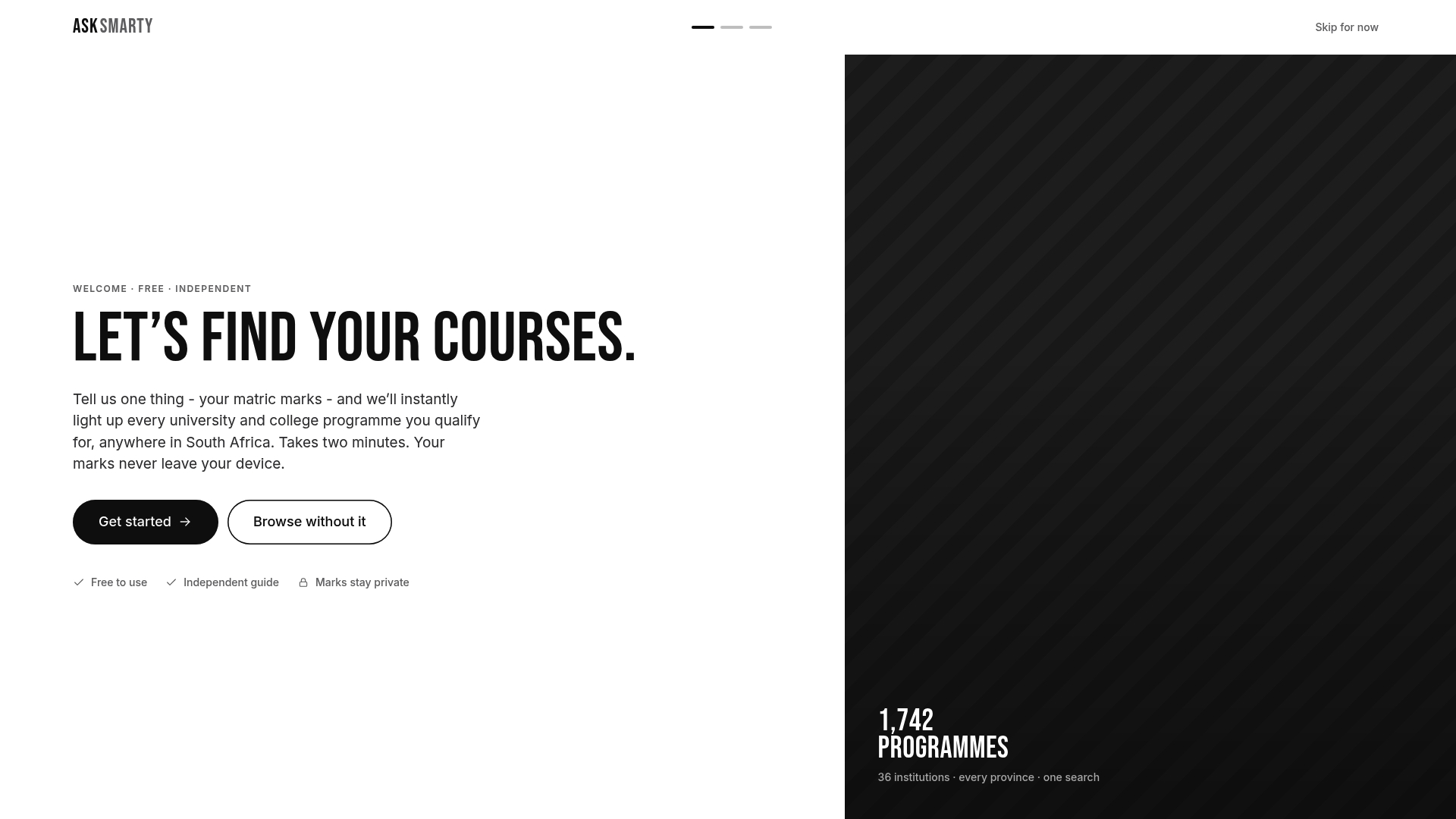
The AskSmarty APS calculator tells you what your marks actually qualify you for across more than 1,700 programmes nationally, not just at UFS. Pair that with the UFS programme and deadline overview and the status-check guide for tracking your submission once it’s in. If UFS isn’t your only option, the programme search tool shows you where else your marks qualify you, at no cost and no processing fee attached. Start by entering your marks into the calculator, then decide your two study choices with actual data behind them.
Sources
Bookmark these before your application window closes. Deadlines and requirements shift by programme, so verify details directly rather than relying on memory.
- UFS Online Applications — Start
- UFS — Application status guide (SAS APP status guide)
- UFS SRS — Steps to apply (selection programme rules)
FAQ
How do I apply to UFS step by step?
Create an account on the UFS application portal, enter your personal and academic details, select up to two study choices, upload your documents as PDFs under 5 MB, then submit and wait for a confirmation email.
Is UFS open for 2027 applications?
Yes. UFS opened applications for the 2027 academic year on 1 April 2026, and the process remains free with a two-choice limit.
How many choices are there for a UFS application?
You may submit a maximum of two study choices per application, and if either is a selection programme, it must be listed first.
Is it possible to apply to UFS late in 2026?
Late applications depend entirely on the programme. Some undergraduate courses stay open into the second half of the year while selection and international deadlines close earlier, so check the specific programme’s closing date on the UFS prospectus rather than assuming a general cutoff applies.
Can AskSmarty help me confirm I qualify before I apply?
Yes. The AskSmarty APS calculator checks your marks against real entry requirements across UFS programmes and others nationally, so you spend your two choices on courses you’re actually eligible for.
Recommended
Published 2026-09-06 · AskSmarty is an independent guide. Confirm anything time-sensitive on the official source.